
● On Google Play
Dextera is a custom Android home screen from Dextera Labs LLC, a veteran-owned business based in Montgomery, Texas. This wiki is for people using the app: what each feature does and how to find it.
Get the app on Google Play:

What you can do
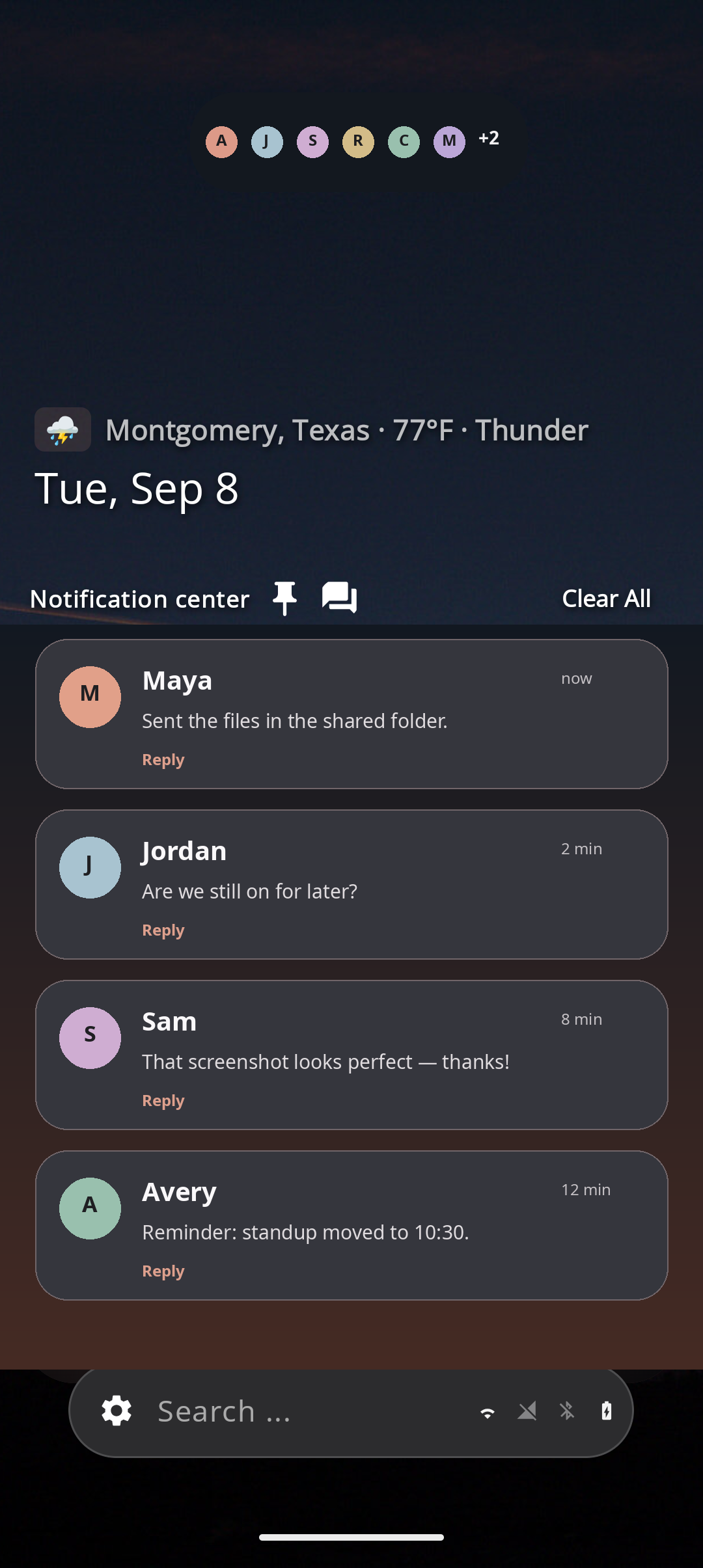
Notifications on home
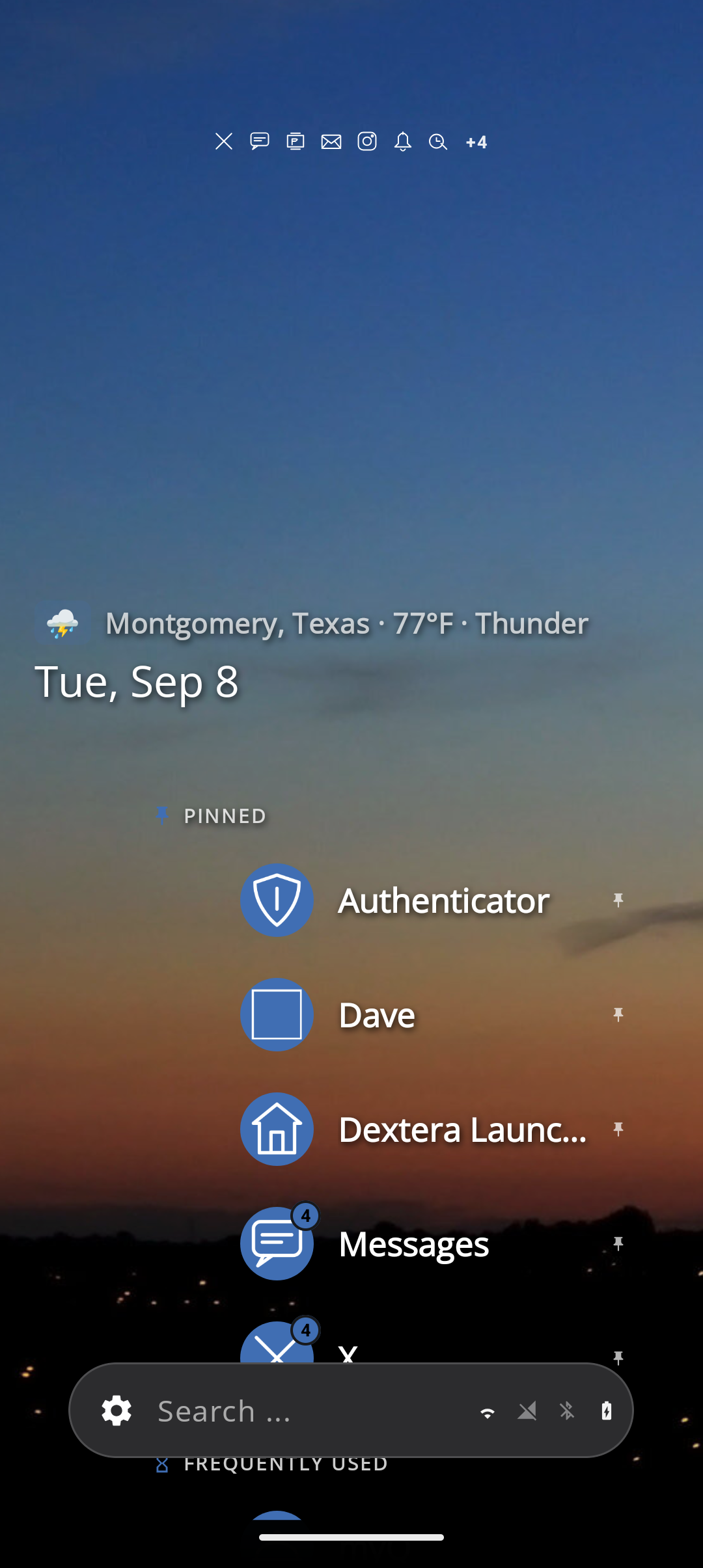
See messages in stacks by app, pin important apps, and optionally lock those so they can’t be swiped away by accident.
One search bar
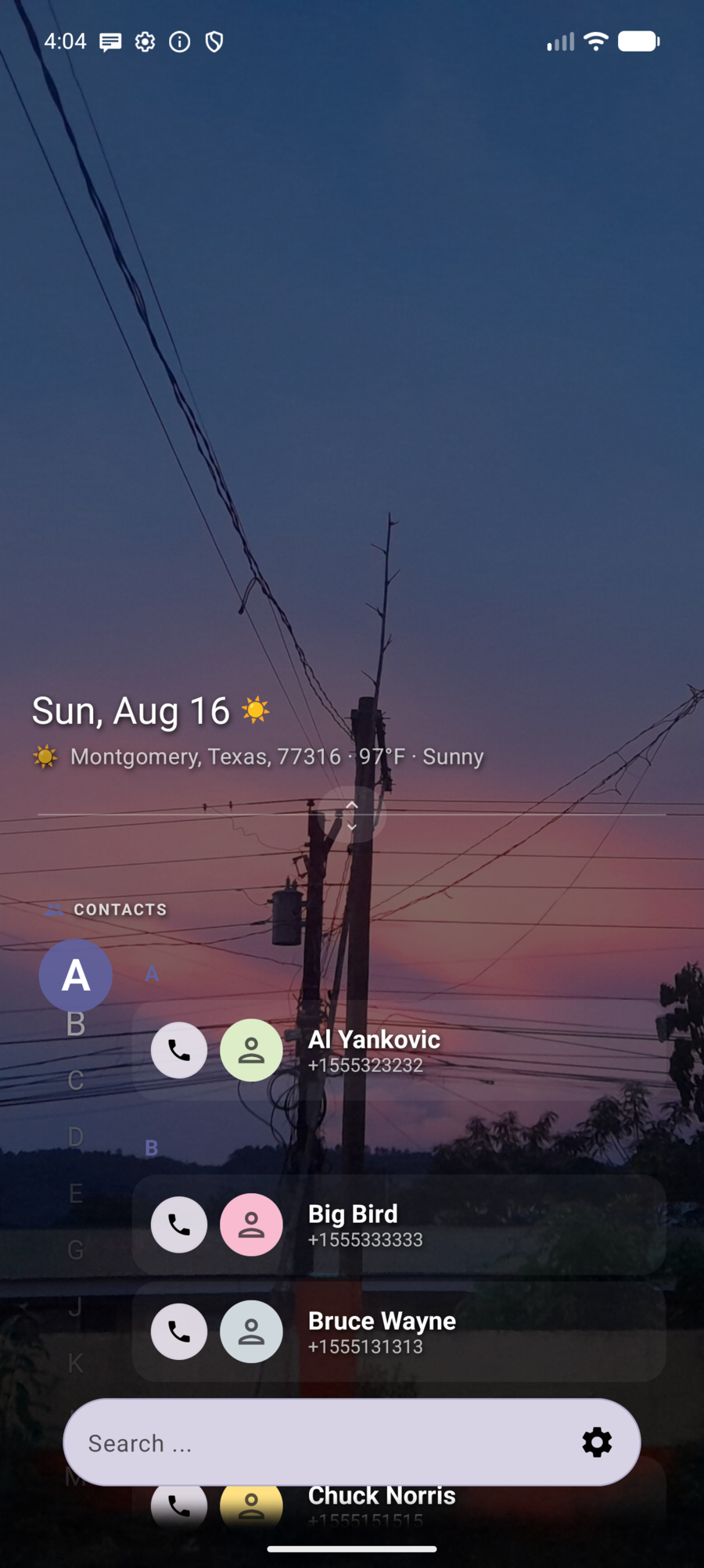
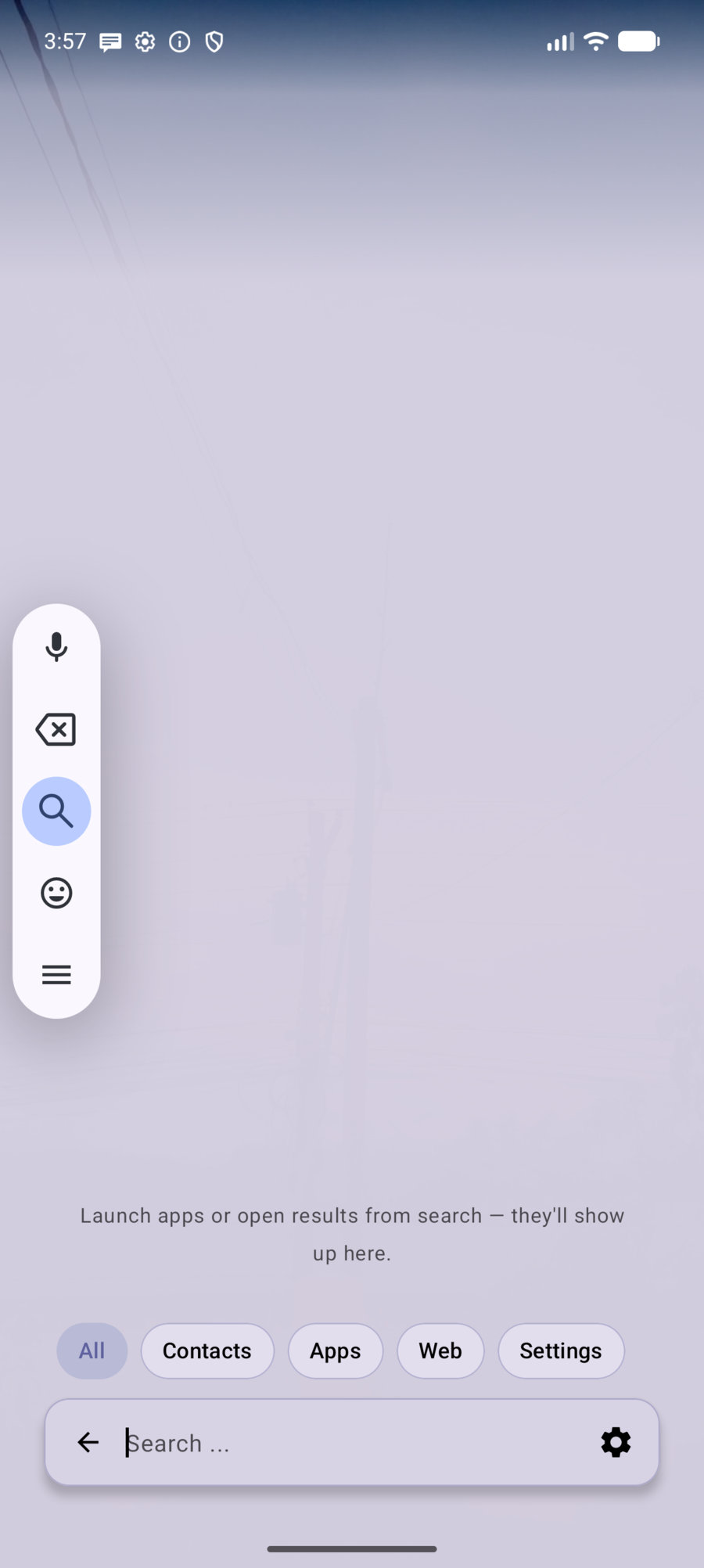
Find apps, contacts, settings, files from folders you add, calculator math, and the web — from the bar at the bottom of the screen.
Pages under your thumb
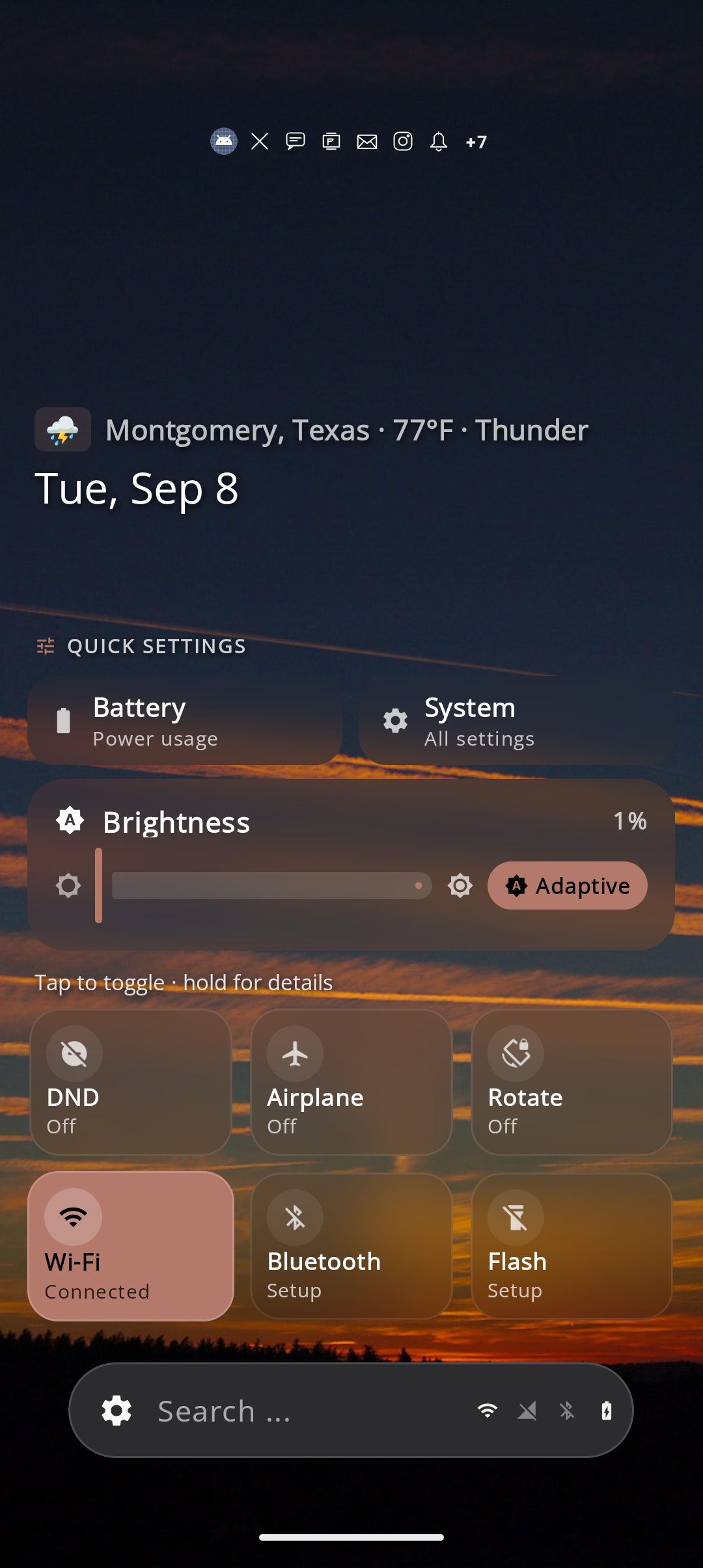
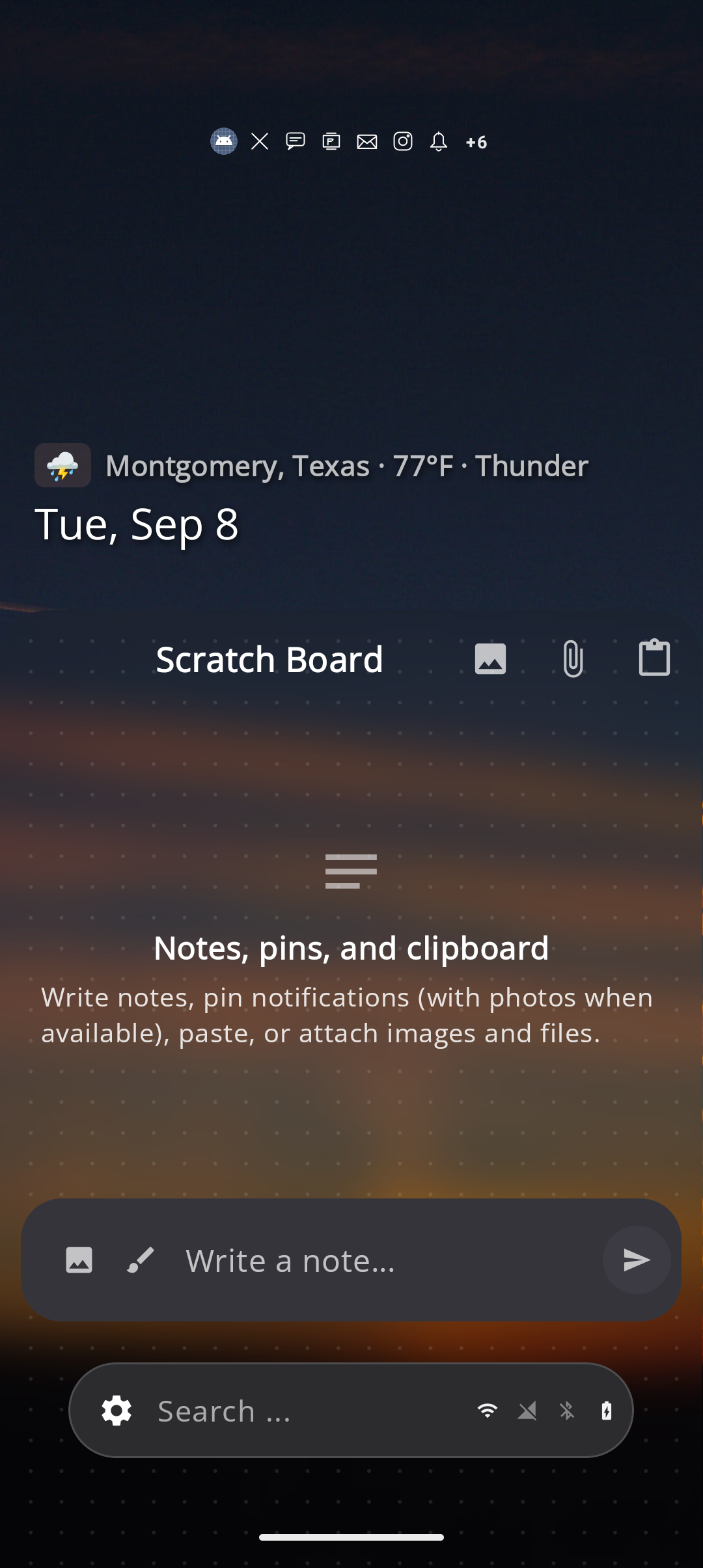
Flick or scrub the search bar to move between apps, recents, music, notifications, Scratch Board, Quick Settings, widgets, and more.
Wallpapers & Styles
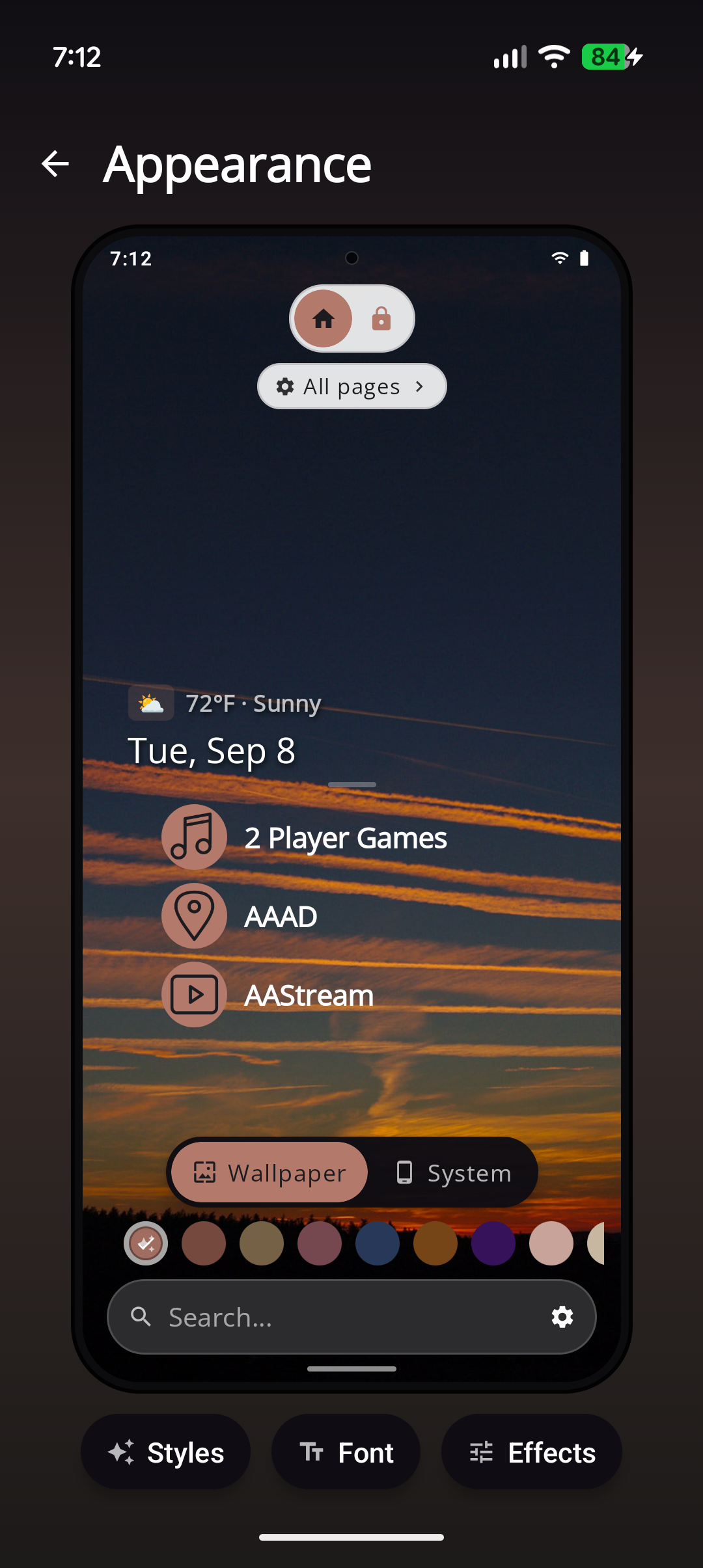
Catalog photos, your own images, day/night packs, icon packs, and one-tap Styles that apply wallpaper, theme, font, and icons together.
Backup & restore
Save a zip to Downloads or Drive, share it, or restore during first-run setup. Play, Dev, and sideload files use different names.
Screenshots
Browse the help
| Page | Use it when you want to… |
|---|---|
| Getting started | Set Dextera as home and learn the layout |
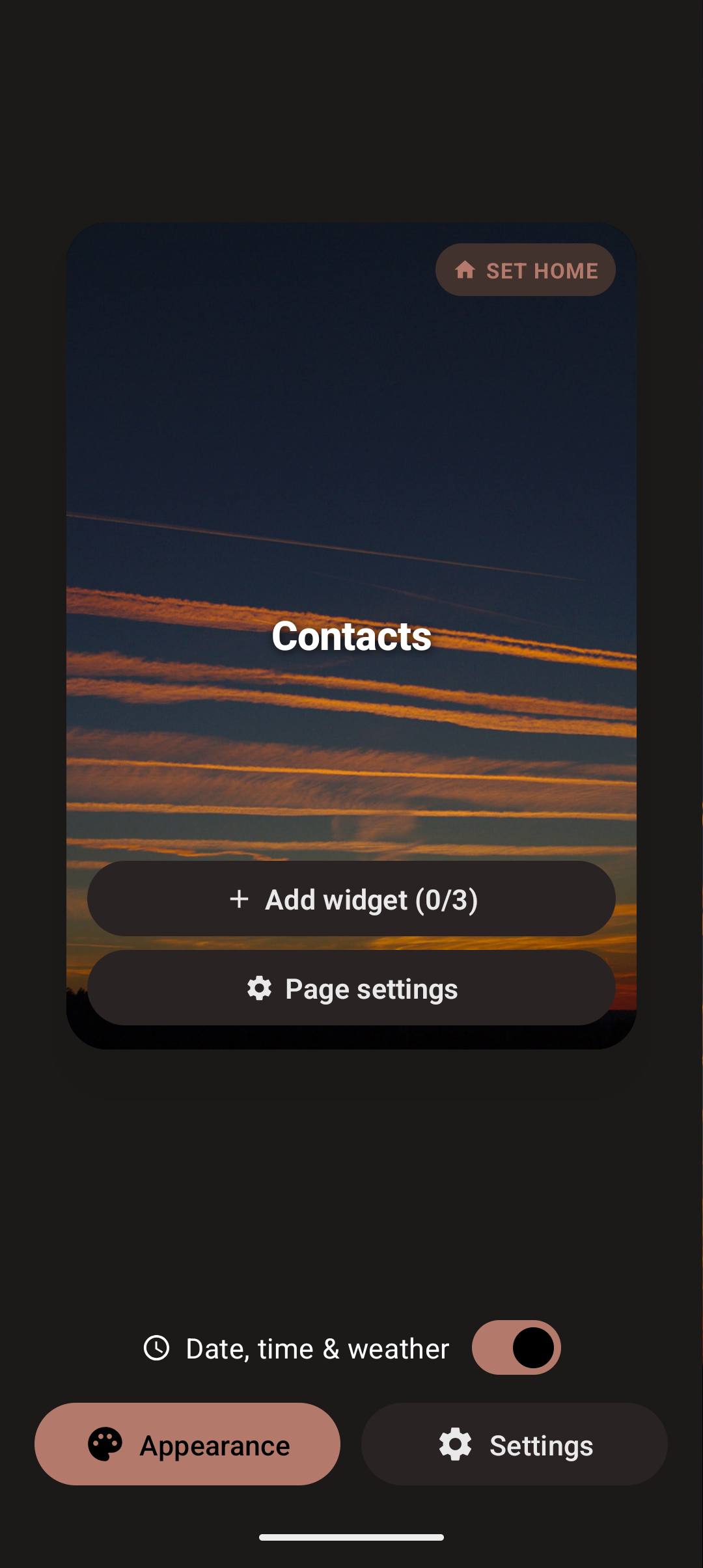
| Features | Full feature list with screenshots and how-tos |
| Gestures | Flicks, scrubbing, Home, left-handed mode |
| Pages | Each home page and widgets |
| Settings | Appearance, Home, Search, Pages, Security |
| Permissions | Why Dextera asks for access |
| Privacy | Privacy policy |
| Delete data | Request deletion of your Dextera data |
| Contact | Features, bugs, support, and privacy mail |
Status
Dextera is on Google Play and updated often — expect shipping polish and frequent improvements. The main experience is ready for everyday use; we keep shipping backup, customization, and polish updates.
Get the app:
Developer: Dextera Labs LLC — veteran-owned, Montgomery, Texas