
How to open Settings
| Start here | What you get |
|---|---|
| Page overview → Settings (bottom) | Full Launcher Settings list |
| Page overview → Settings on a card | Options for that page only. Back → overview |
| Page overview → Wallpaper | Wallpaper picker (Wallpapers + Styles tabs) |
| Settings → Appearance | Theme, icons, fonts, live preview |
The gear on the search bar opens page overview, not the main Settings list.
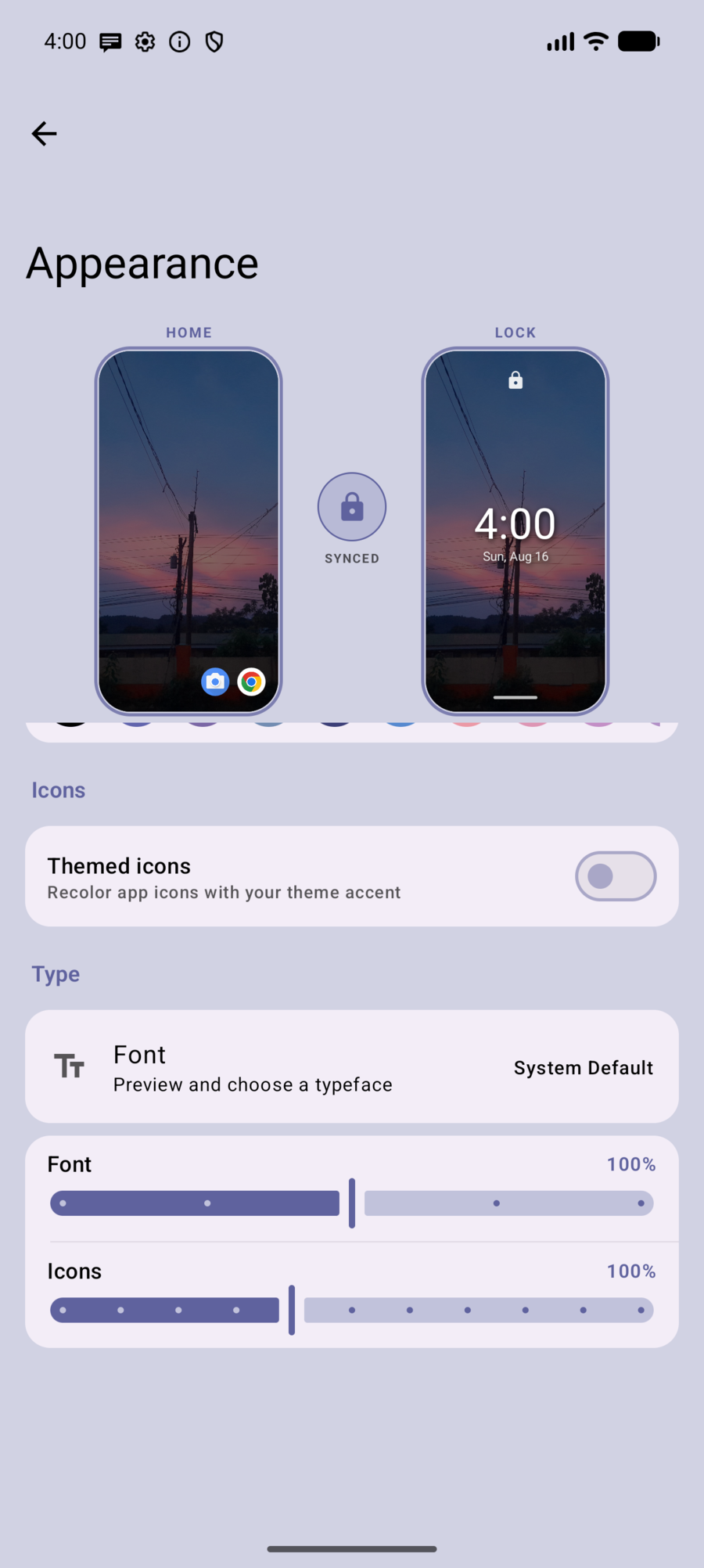
Appearance
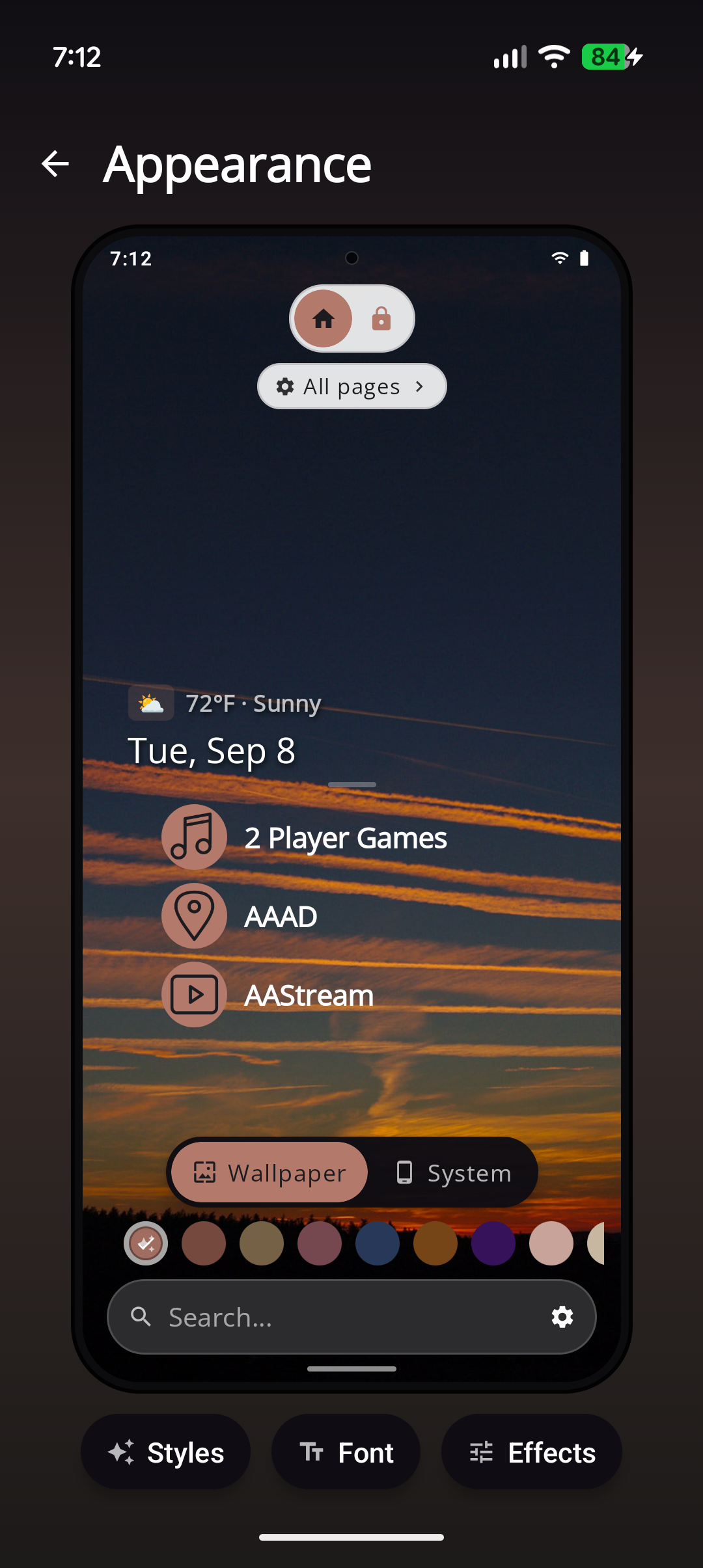
- Live Home and Lock preview (dim badge, themed icons) as you adjust
- Wallpaper: Custom, Pitch Black, Bing Daily (Pro)
- Apply wallpaper to Home & Lock / Home / Lock
- Theme colors (Auto from wallpaper + solid swatches)
- Themed icons + shapes + icon packs (DuoTone, Wireframe, Frosted Glass, Dot Matrix, Neon Glow, Silhouette, …)
- Optional frosted glass surfaces
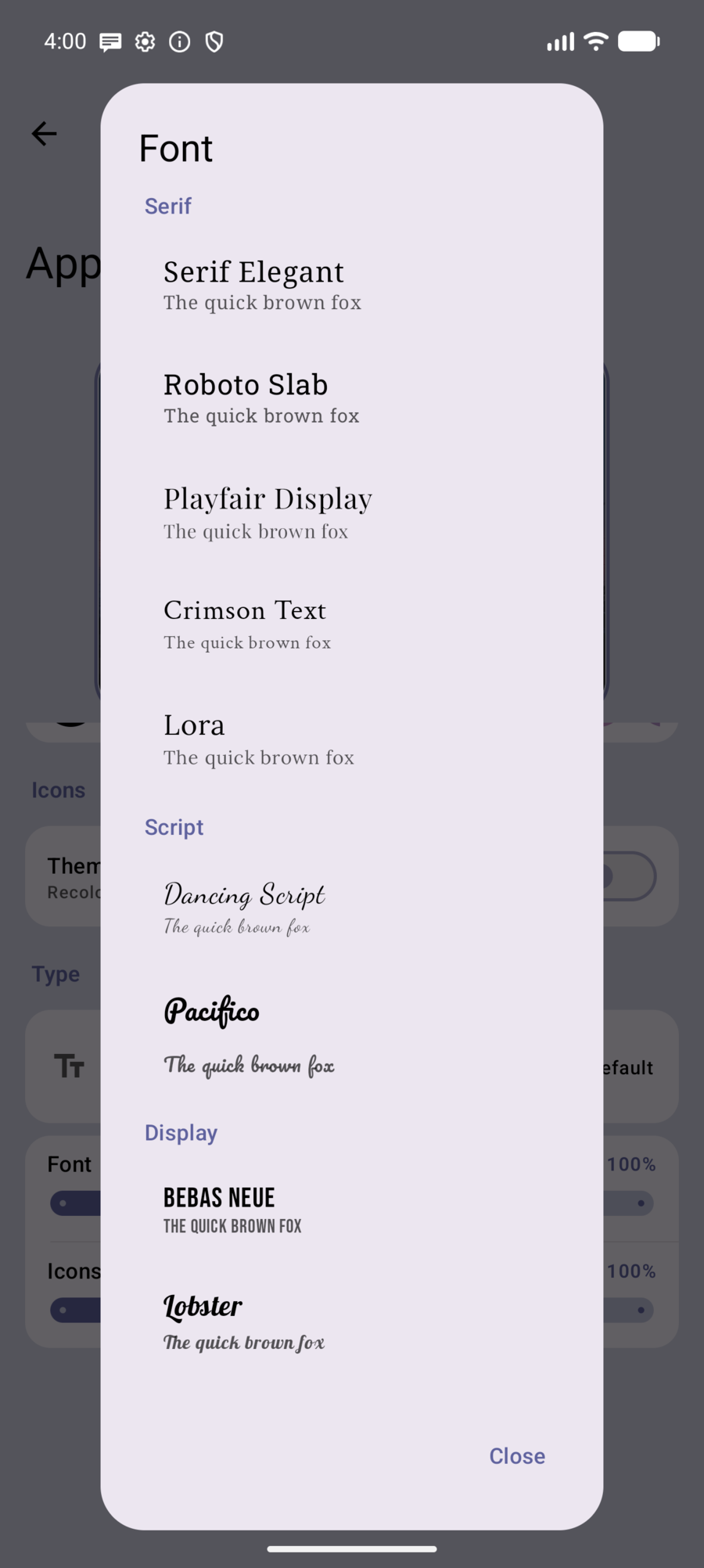
- Google Fonts picker (live preview) and font / icon size sliders
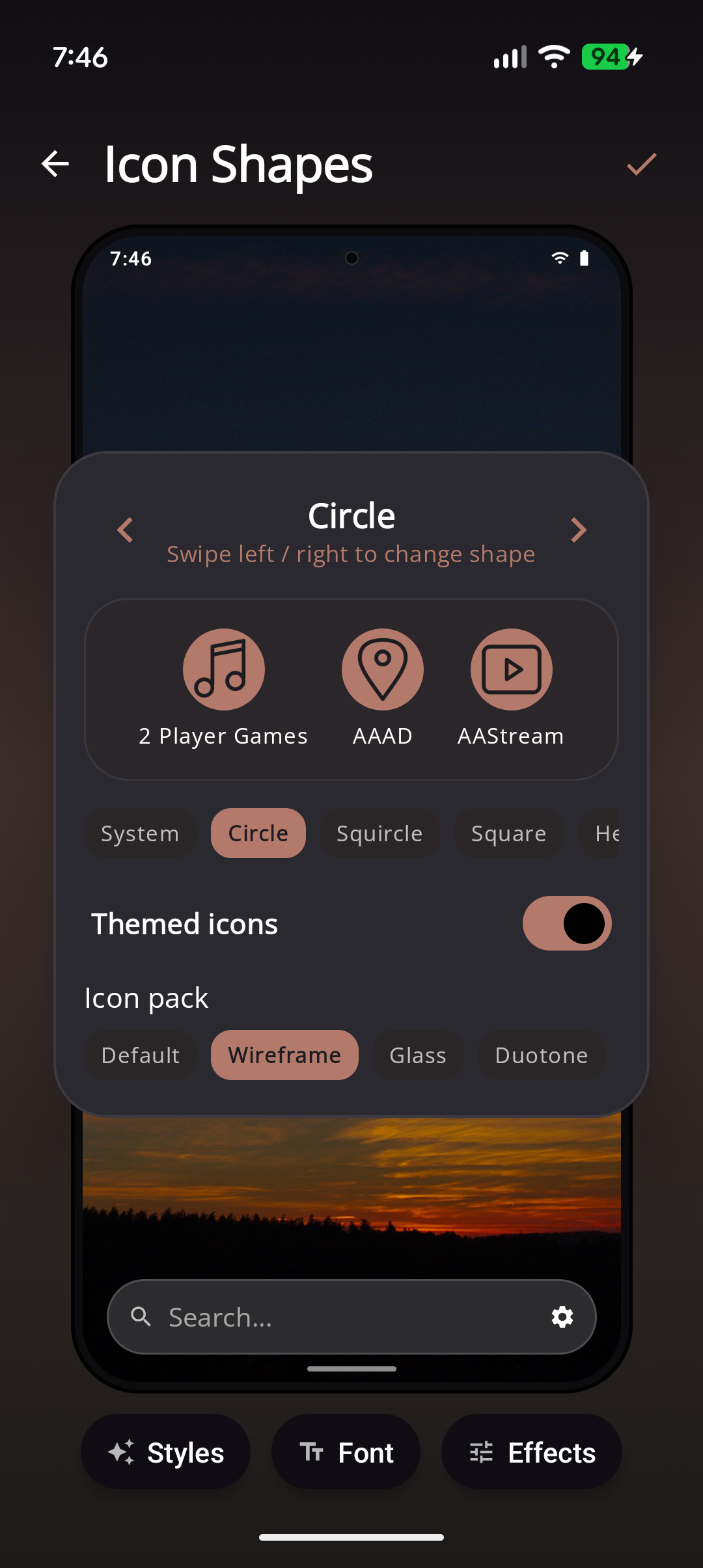
Full wallpaper catalog, GNOME day/night packs, per-page wallpapers, and Styles (including Match my wardrobe): Features → Wallpapers · Styles.
Home
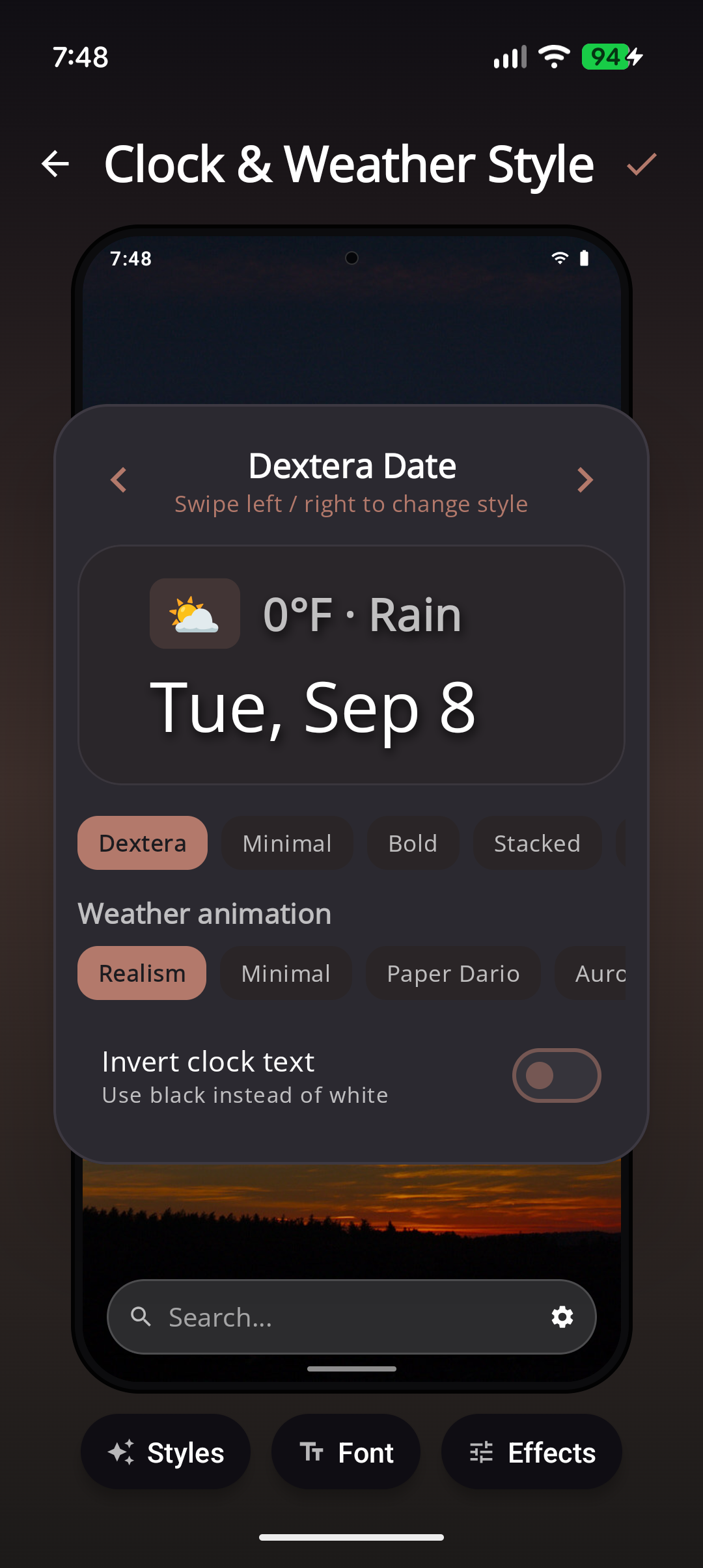
- Tasks quote on home + Google Tasks connect + fade timing
- Clock styles (Dextera, Minimal, Bold, Analog, and more — some Pro)
- Hide status bar, network speed, clock background, invert text
- Weather: 24-hour, Fahrenheit; optional weather overlay + Pro vignettes
App List
Sidebar letter size, dots, idle fade; folder categories; related list options.
Touch & Gestures
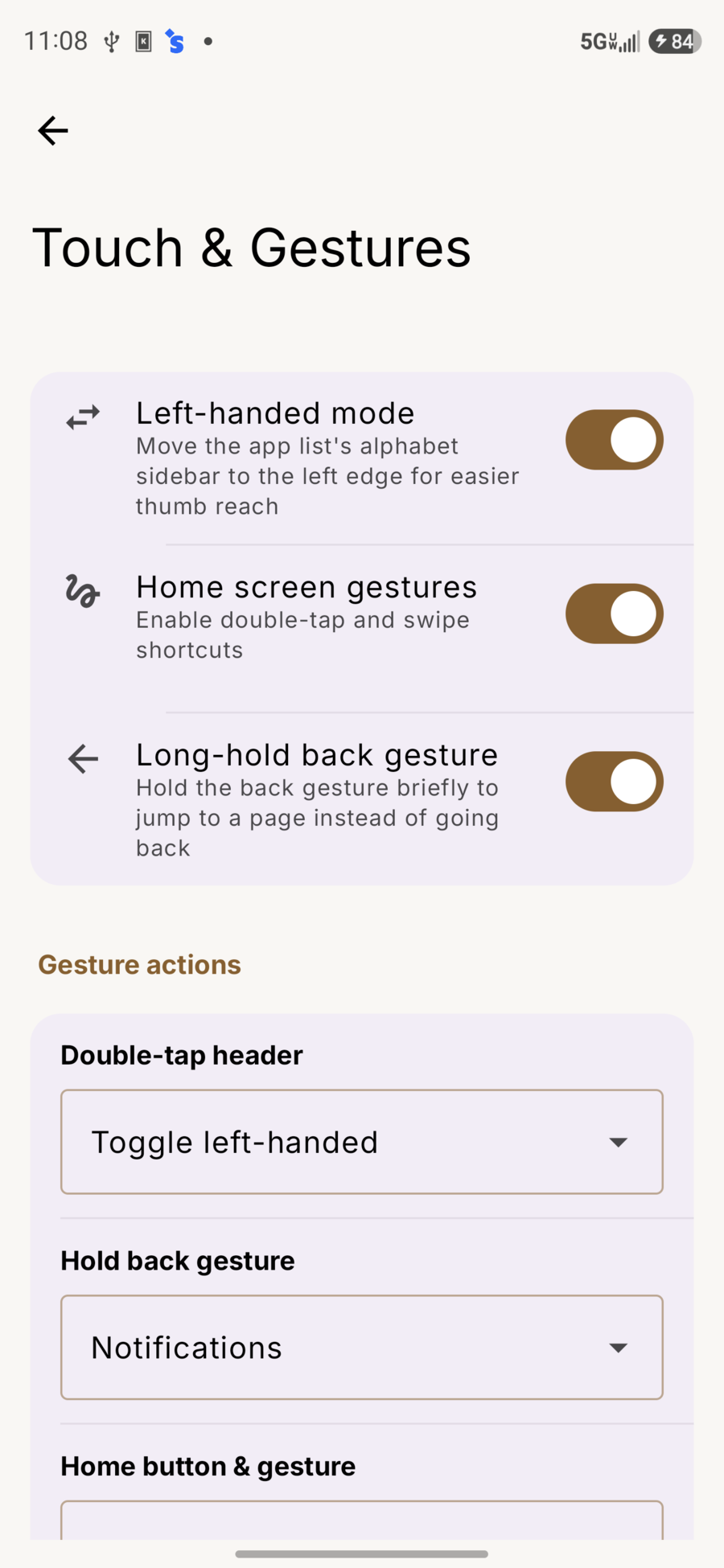
- Left-handed letter rail
- Home screen gestures master switch
- Long-hold back → page
- Double-tap header action
- Home button & gesture (First page, etc.)
See Gestures.
Search
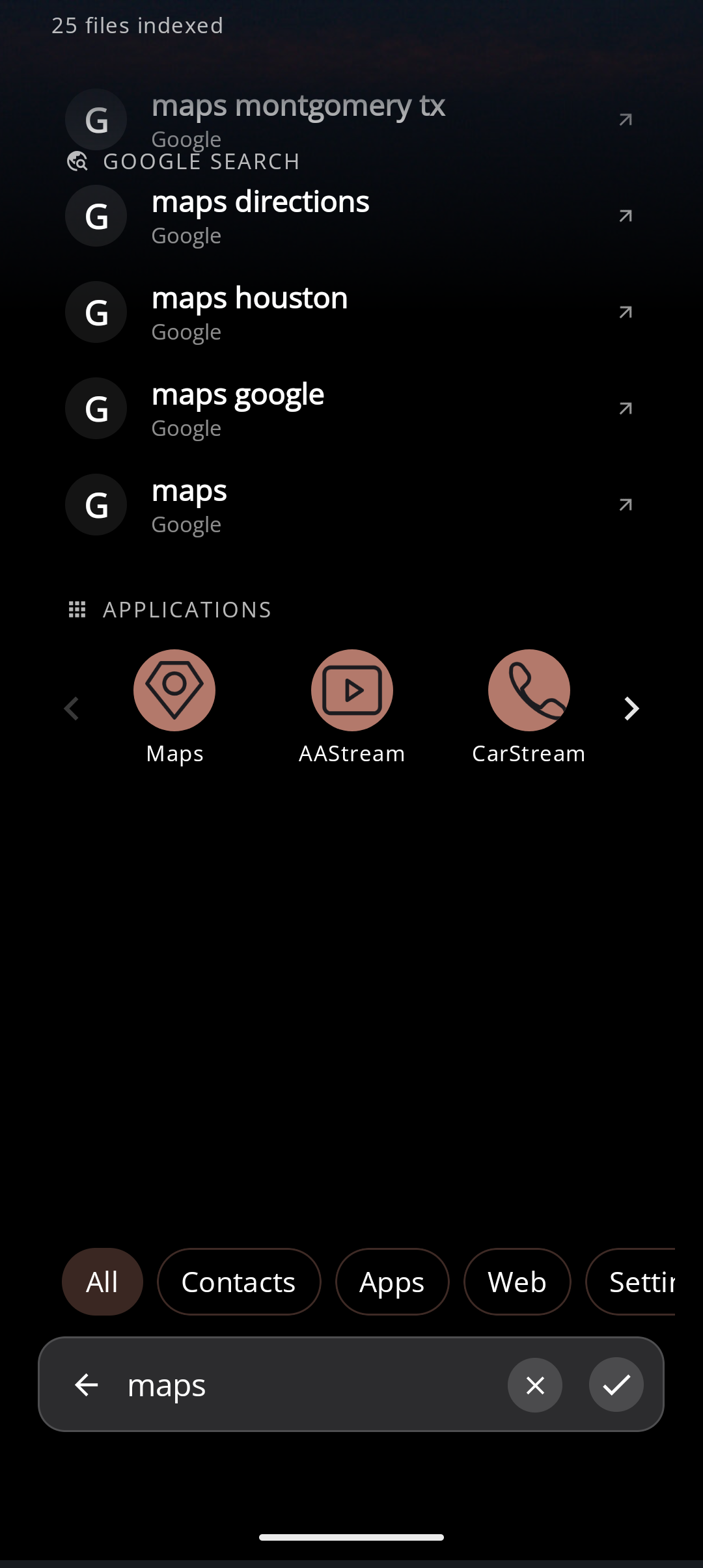
- Colorized search
- Web engine
- Previous results / history limit / clear
- Verification codes (OTP chip) from message notifications — no SMS permission
- Inline calculator when you type math into search
- Sources: Apps, Contacts, Files, Web, Settings
- File search: indexed folders, Add folder
Pages
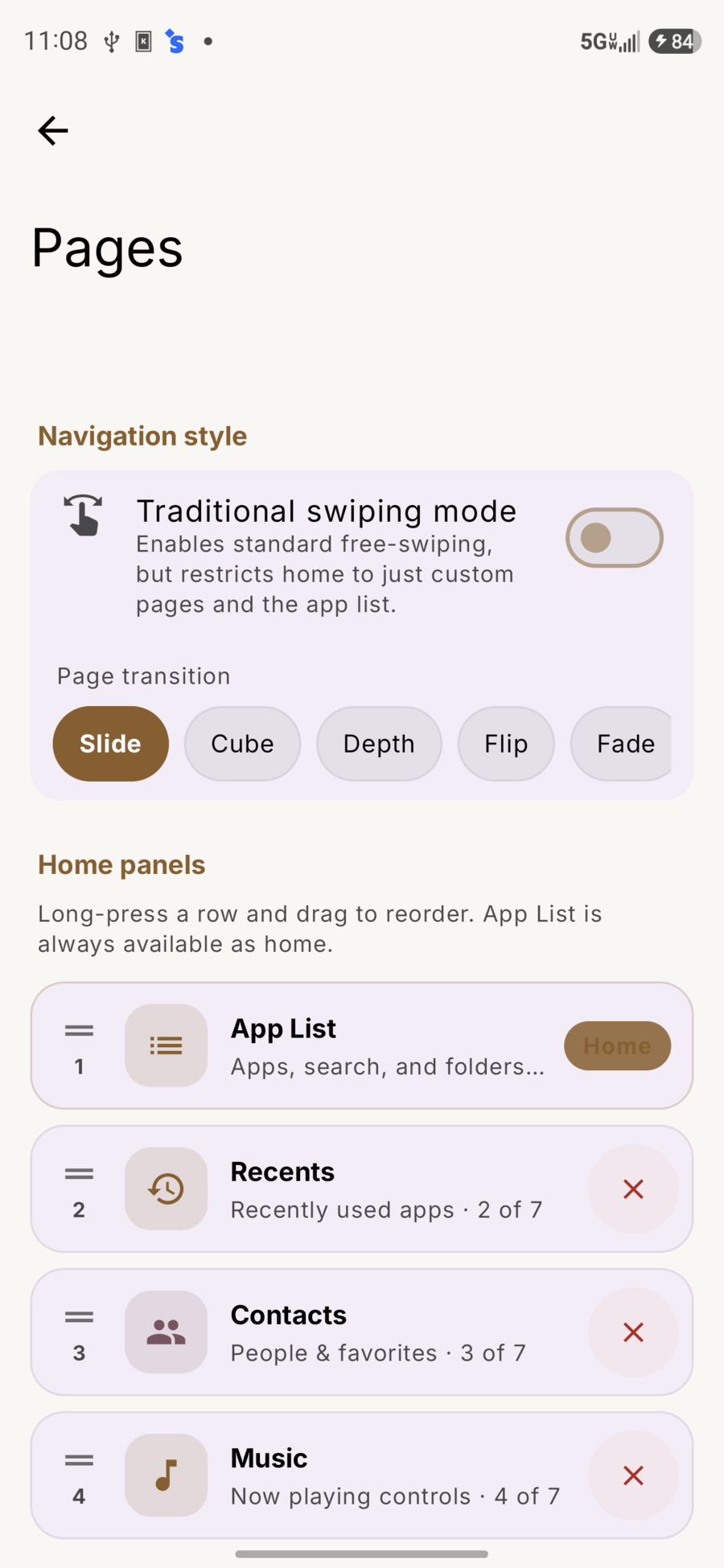
- Traditional swiping mode
- Page transitions (Slide, Cube, Depth, Flip, Fade)
- Enable / reorder / remove panels (including Scratch Board and Quick Settings)
- Add custom widget pages (Pro may apply)
- Overlay widgets (up to 3 on built-in pages) via page overview
Digital Wellbeing
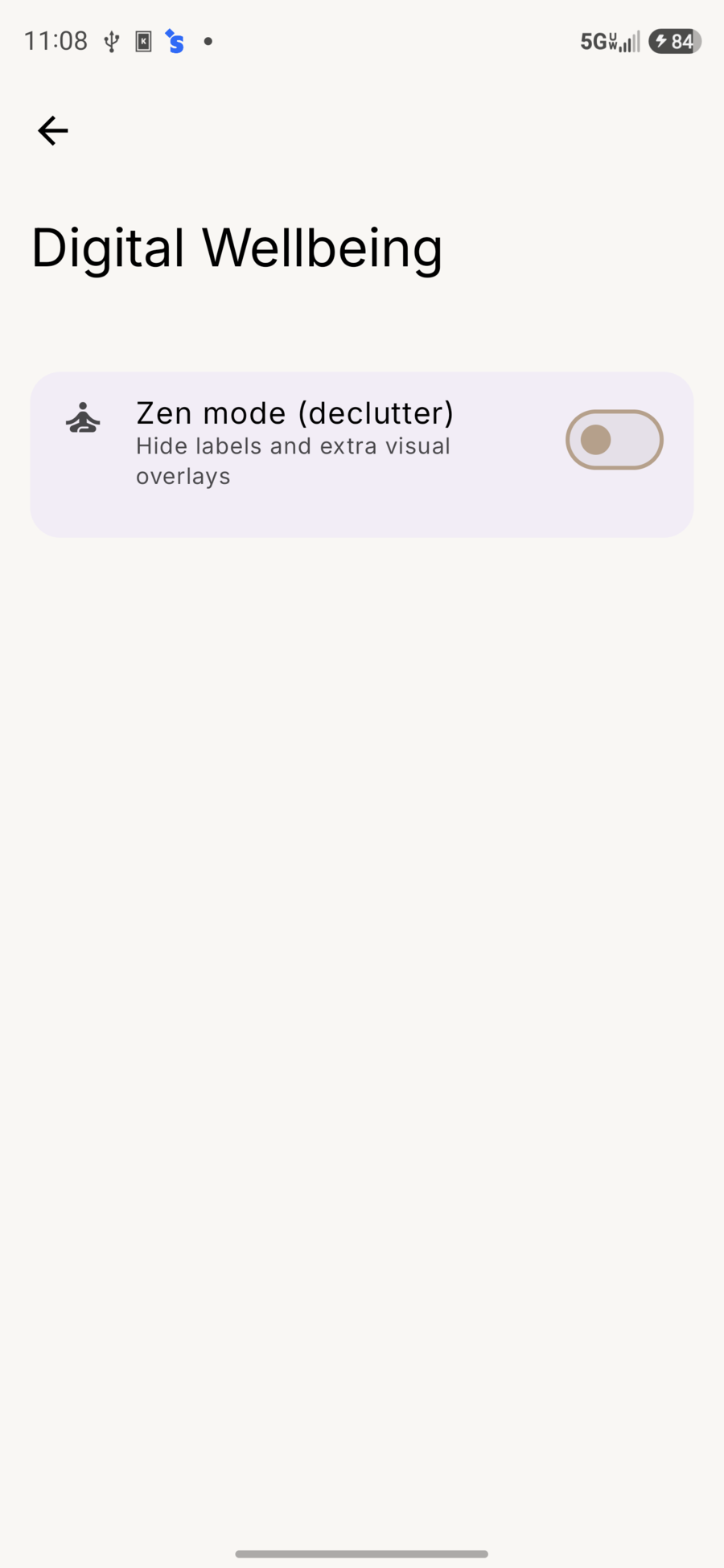
- Zen mode (declutter) — hide labels and extra overlays
- Frequently used limits, hidden apps, and related filters where available
- Adaptive dimming / OLED-friendly options
Security & Privacy
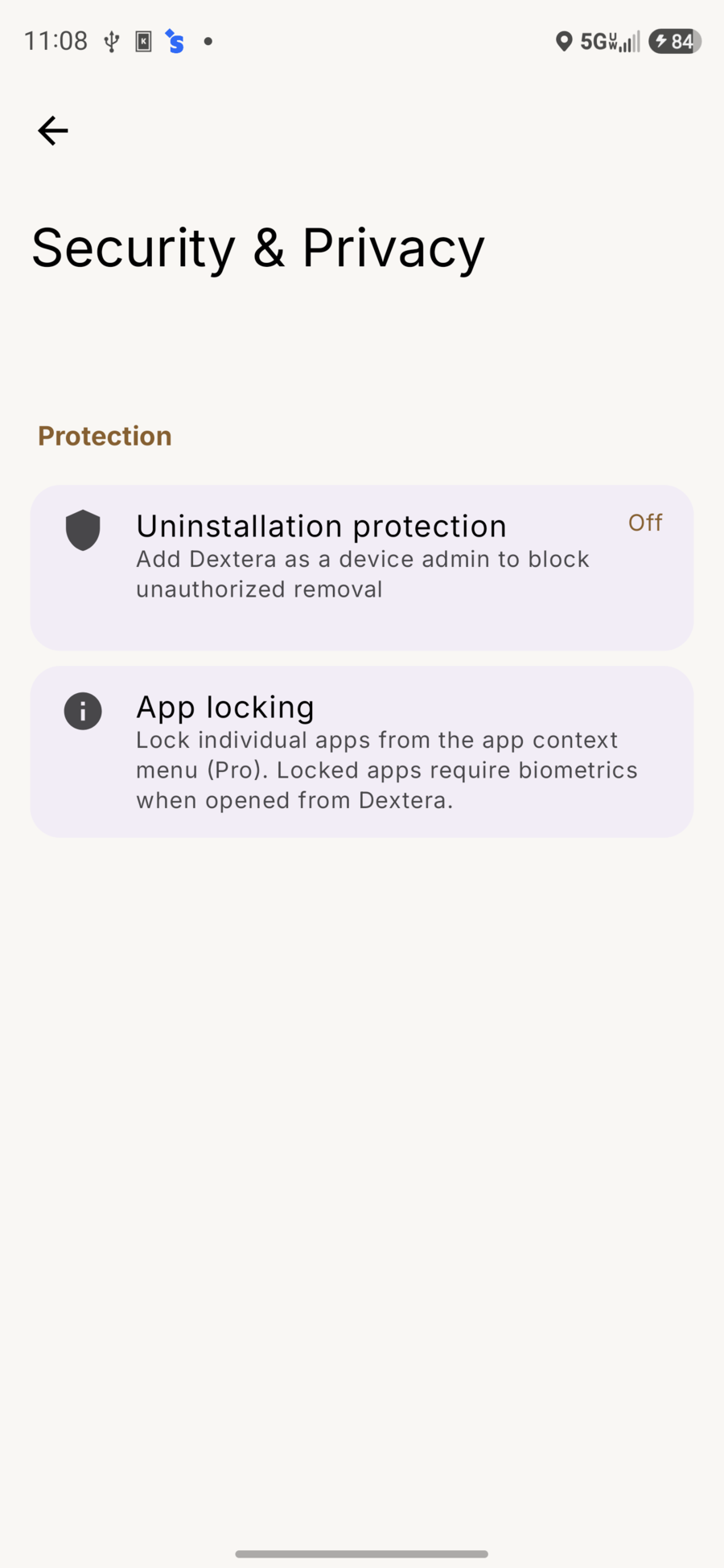
- Uninstallation protection (device admin)
- App locking from the app menu (Pro)
- Hide apps from the visible list
Notifications (page settings)
From overview → Settings on the Notifications card:
- Colored cards
- Lock pinned notifications
Extensions
Optional add-ons such as Walkie-Talkie. Shown when a plugin is available on the device.
About
- Version and update channel
- Dextera Labs (Play display name) / Dextera Labs LLC
- Dextera Pro (buy / restore on Play)
- Save backup, Share backup, Import backup — see Features → Backup
- Privacy policy and this help wiki at https://dexteralabs.io/
Help
- Whether Dextera is the default home app
- Change the system home app
Search from home
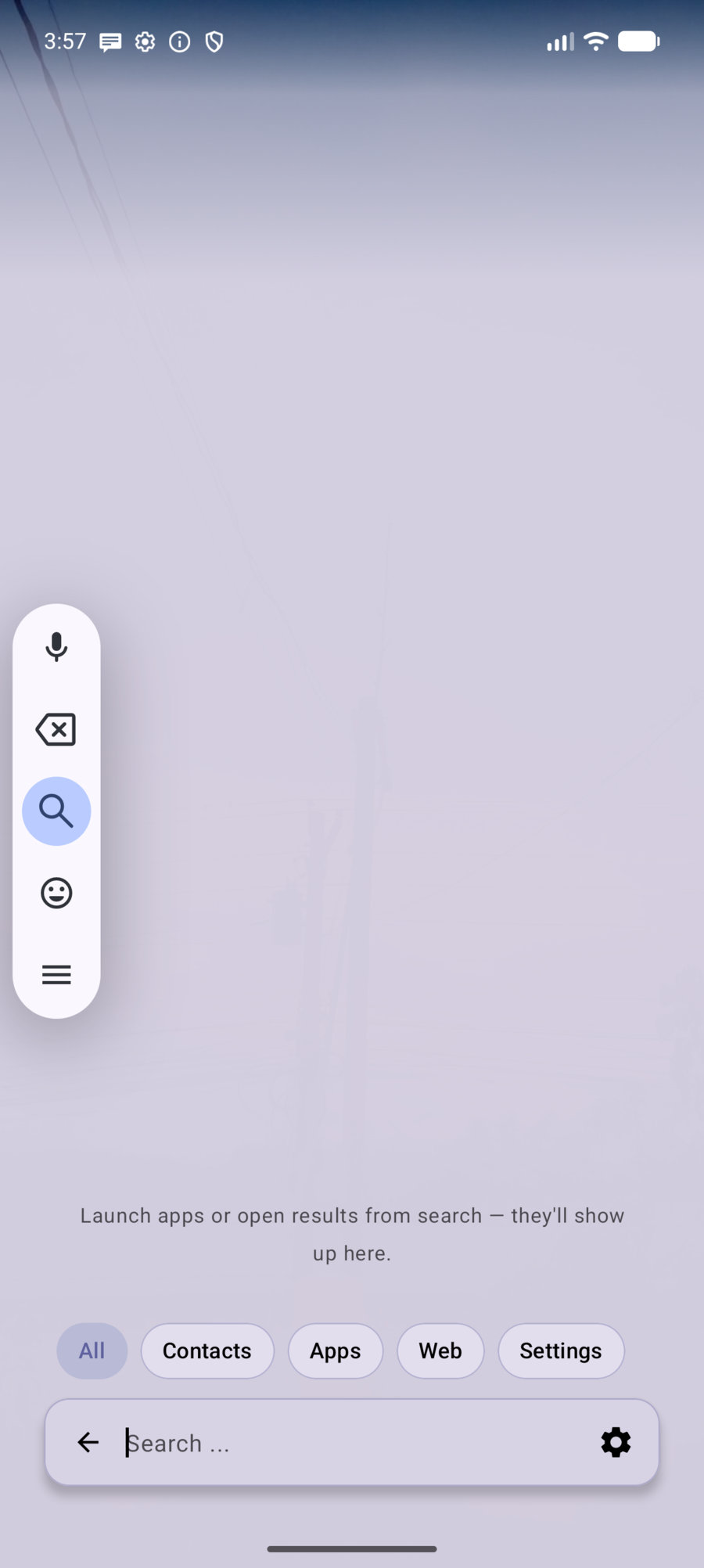
Tap the bar for apps, contacts, settings, files, calculator math, and the web. Filter chips: All · Contacts · Apps · Web · Settings.
Related
- Features — screenshots and how-tos
- Privacy
- Permissions
- Contact